Free to download
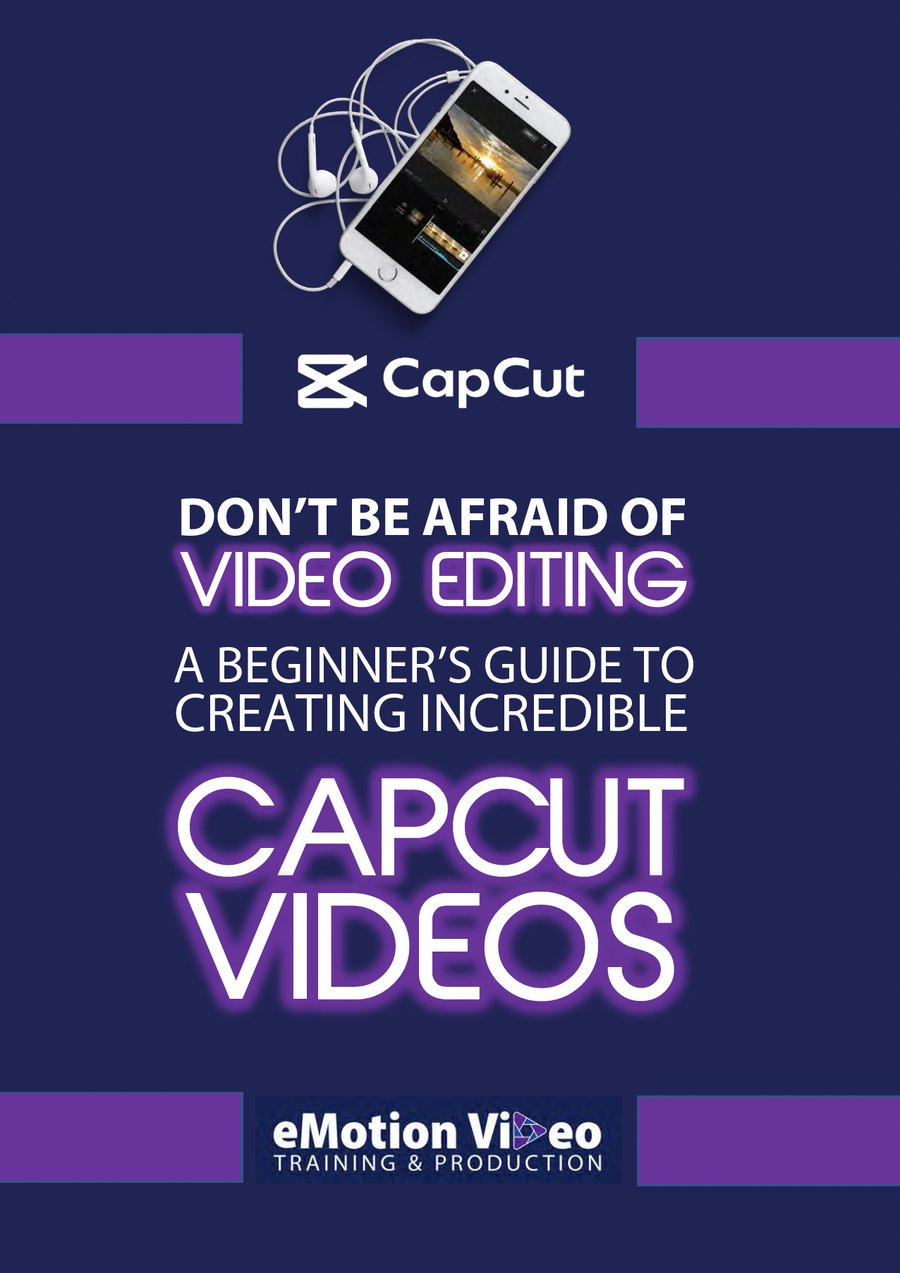
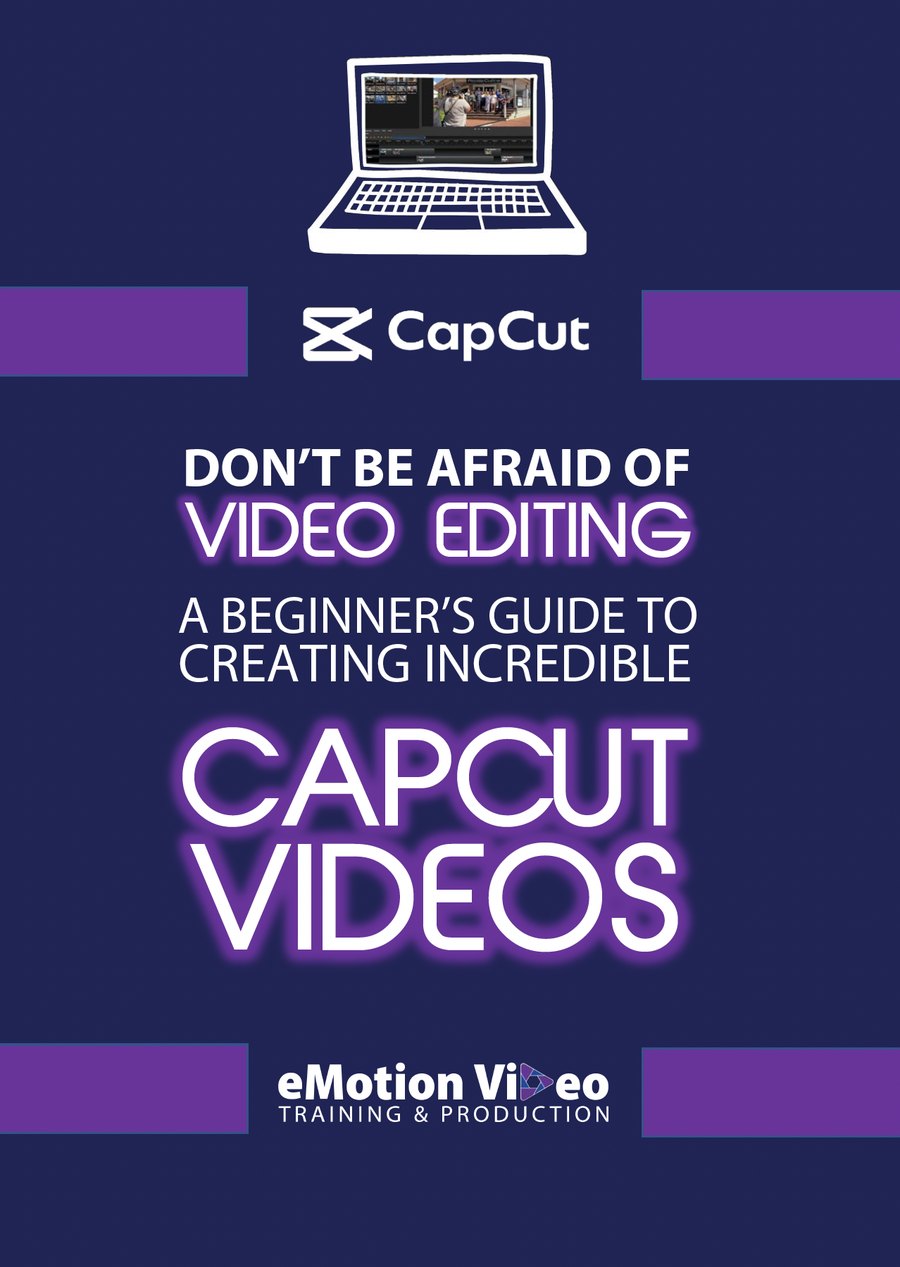
Start with a free CapCut guide.
Two step-by-step guides that take you from never having edited before to publishing something you are proud of. Pick the one that matches how you like to work.
What I use and recommend
The kit that actually earns its place.
Every item below has been used on a real film day. Start with your phone, then add the pieces that make the biggest difference: steady support, clean audio and good light.
Phone mounting and holding
Lock your smartphone in place. Steady shots start here.


Lighting
Good light is the fastest upgrade for smartphone video. These deliver.


Tripods and stands
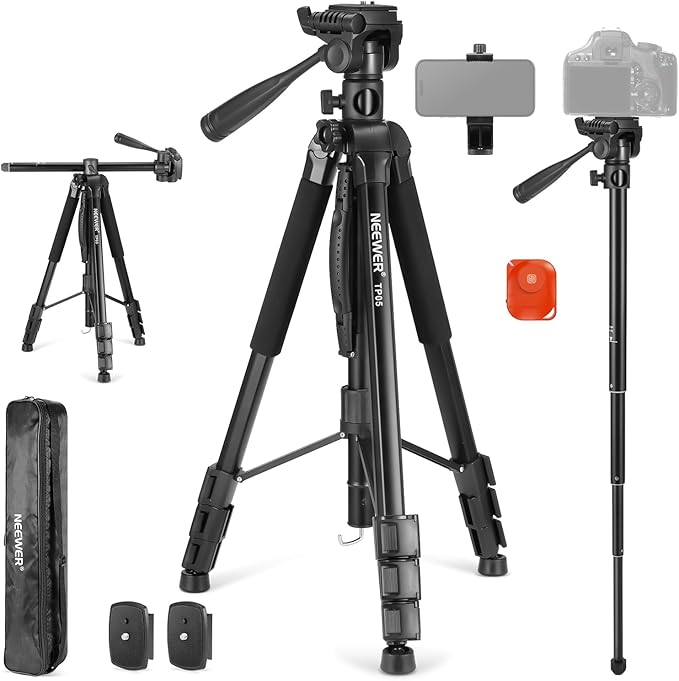
From pocket sized to full studio. Stable video every time.



Audio
Bad audio kills good video. These fix that fast.


Camera and lenses
When you are ready to step up from smartphone. My personal kit.


Streaming and recording
Level up your live streams and your production workflow.


Fun extras
Small things that make a big difference to your video game.


Software and apps
The apps behind every good video.
On a phone we will happily teach you any editor you like. On a desktop we focus on three: CapCut and VN, both free, and Premiere when you want the full craft. These are the tools we use to plan, edit and ship, day in and day out.
Adobe Premiere →
The professional editor when you are ready for more control. Part of Creative Cloud alongside After Effects and Photoshop. Industry standard across broadcast, film and digital.
CapCut →
Free mobile and desktop editing that punches above its weight. Effects, transitions, auto-captions and colour grading, with no watermark. Perfect for quick turnarounds or serious projects.
VN Video Editor →
A free, powerful editor for phone and desktop. A clean interface, no watermark, a multi-track timeline and keyframes. A favourite for fast, professional-looking edits without a subscription.
Claude Desktop →
The AI assistant we run the business on and teach in our workshops. Draft, plan, summarise and organise straight from your desktop. Values-led and built for real business work.
Canva Pro
Templates for thumbnails, social graphics and presentations, plus stock and brand kit management. A fast way to create on-brand graphics without design experience.
Notion
An all-in-one workspace for notes, projects, databases and templates. Customisable workflows for any team size, and the free tier is plenty to get started.
Calendly
No more back and forth over email. Share your availability, clients book a slot, and it syncs with your calendar automatically. Saves hours every week.
Common questions
Everything you have wanted to ask.
Honest answers on smartphone video, gear and editing. If your question is not here, just ask us.
Toolkit updates
The Video & AI Newsletter
Practical video and AI, straight to your inbox, once a month.
No spam. Unsubscribe any time. Tech & Trust Policy.
Too many tools, too little time?
Tell us what you want to make.
Gear and app questions are the ones we hear most, so ask away. Start a conversation and we will point you to the right tool, guide or course for where you are right now.
Every item is hand-picked by me from real film days, not a catalogue. Some items may earn a small commission at no extra cost to you.