eMotion Video

Editing Courses

Edit like a professional.

Whatever you edit on, one clear goal: you leave the room able to cut video that looks and sounds like it was made by someone who does this for a living.

Training is shaped around your skill level, from your very first edit to broadcast-standard finishing. No previous editing experience needed.

See your options Not sure which one?

Your options

Choose your platform.

We teach three editors. Premiere is the professional tool, free on mobile and an Adobe subscription on desktop. CapCut and VN both start free, and both punch well above their price.

Every one of them runs on the desktop, Mac or Windows, and on your phone. So the choice is not really about the software. It is about your workflow, your budget, and what you want to make.
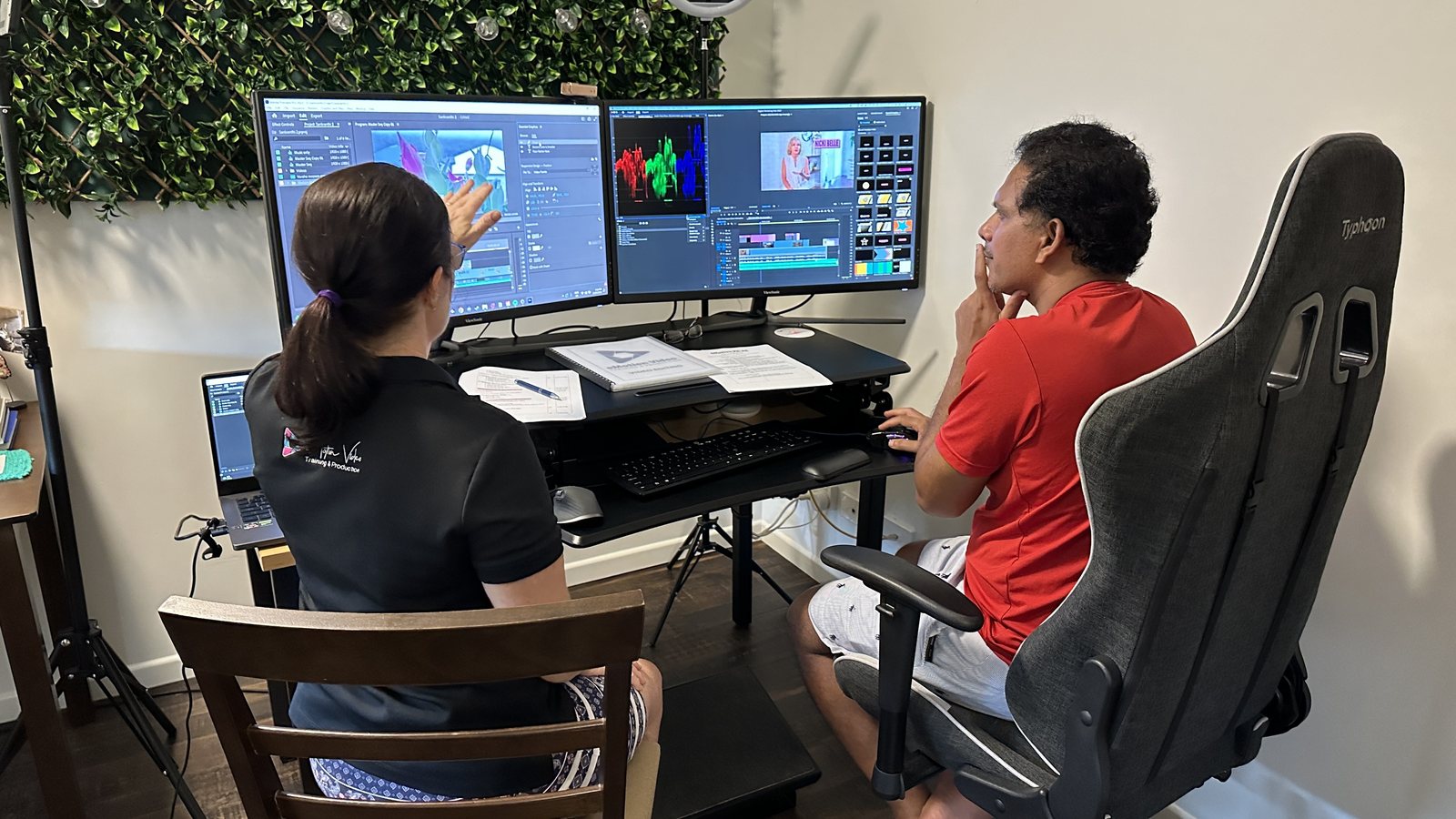
Suzie mentoring a client one-on-one in Premiere
The professional standard

Premiere Foundations

Cost
Free on mobile Adobe subscription on desktop, AI credits optional
Runs on
Mac, Windows and iPhone Android announced, not out yet
Course
2 days

The industry-standard editor used by television broadcasters, film editors and content teams worldwide. We start from the beginning and build solid fundamentals over two full days, so you finish able to edit properly on your own. The newest AI tools also make it faster and friendlier than ever, for first-timers and busy media and comms teams alike.

Walk out able to:

  • Organise footage and cut a clear, dynamic story on the timeline
  • Add titles, captions and imported graphics
  • Apply effects, colour grade and clean up your audio
  • Repurpose one edit from widescreen to portrait for every channel
  • Export in the right format for any platform, and generate captions fast
  • Use the newest AI: extend a shot, stretch or trim a music track to fit, and search your footage by image, sound or spoken words
  • Turn a flat, dull clip into a rich cinematic look fast with the new Color Mode

Right for you if

You create video for professional use, want to stop outsourcing your edits, or you are a communications specialist chasing a faster turnaround.

Ask about Premiere training
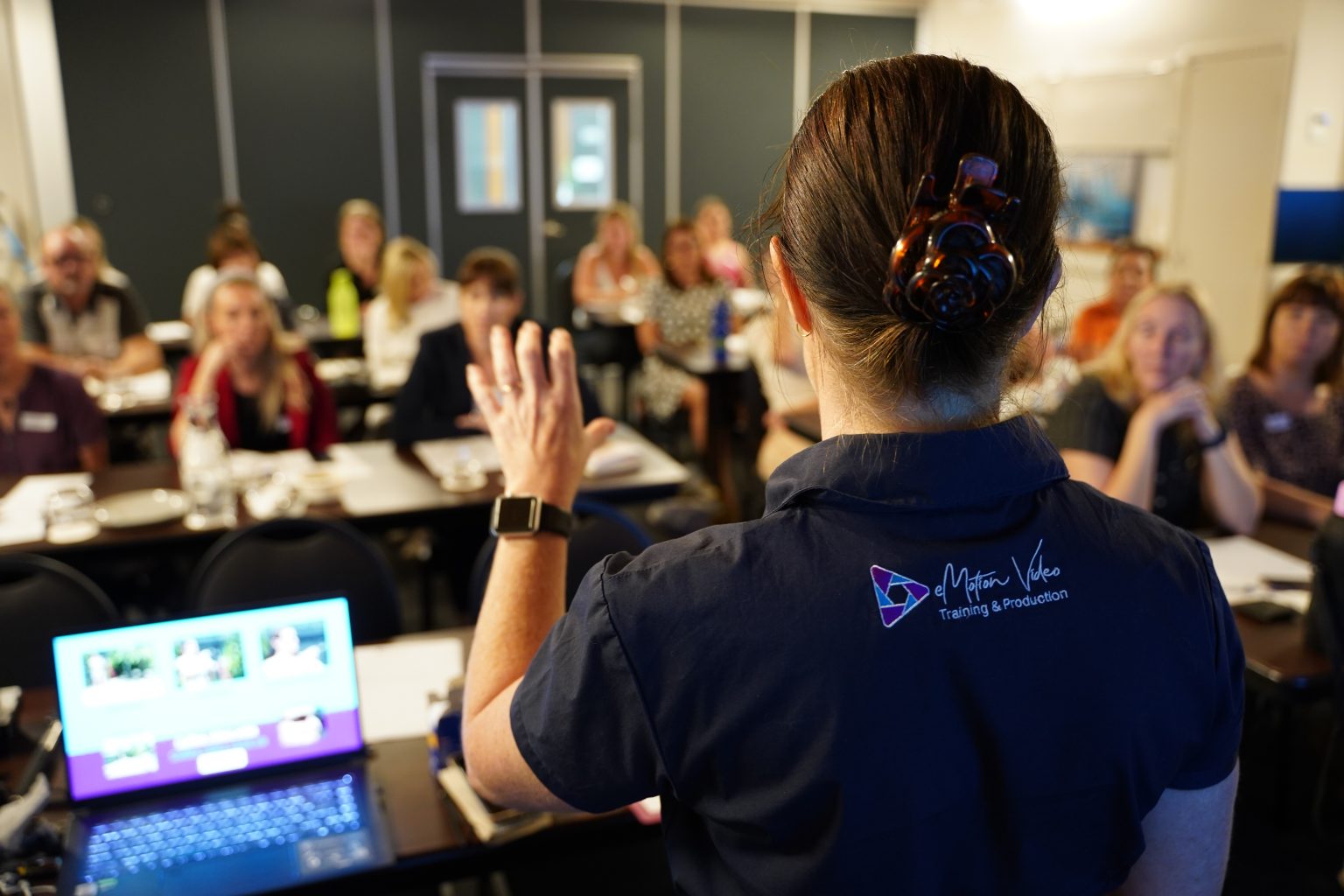
Suzie teaching an editing class, presenting to a full room
The fastest start

CapCut

Cost
Free, with a paid Pro tier
Runs on
Phone, Mac, Windows and the web
Course
1 day

The fastest way to create professional-looking video for social media and internal comms. CapCut has a free version and a paid Pro, runs on your phone, your desktop or online, and needs no prior editing experience to start.

Walk out able to:

  • Find your way around CapCut on both mobile and desktop
  • Build a rough cut from your own footage
  • Use auto-captions, text-to-speech and speech-to-text
  • Add effects, filters, transitions, music and templates
  • Export in the right format for each platform and publish quickly

Right for you if

You are new to editing, your organisation wants to bring content creation in-house, or you need to create and publish fast on a tight budget.

Ask about CapCut training
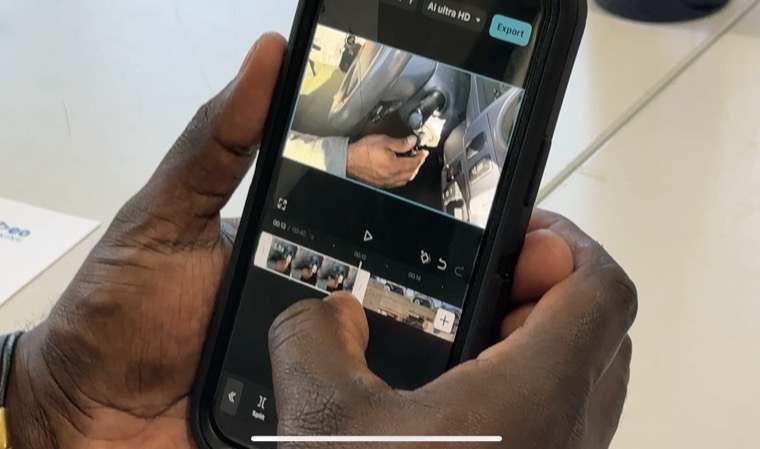
Editing a video on a phone in VN
The free all-rounder

VN Video Editor

Cost
Free, no watermark Paid upgrade if you want it
Runs on
Phone, Mac and Windows
Course
Tailored to your team

Powerful and friendly, with a free version and a paid upgrade. Professional-looking edits on your phone or desktop, and the free tier has no watermark.

Walk out able to:

  • Get around VN on phone or desktop and set up a project
  • Work a multi-track timeline: layer video, text, music and overlays
  • Keyframes for movement, zooms and smooth transitions
  • Speed ramping, split screen and picture-in-picture
  • Add text, titles and captions
  • Balance music, sound effects and audio levels
  • Export in high quality with no watermark

Right for you if

You want professional-looking edits for free, like a clean editor with no watermark, and want to move between your phone and desktop on the same project.

Ask about VN training

Still torn? Tell me what you want to be able to make and I will tell you which one fits. Plenty of people learn two. There is no hard sell either way. Talk it through with me

Every course, tailored to you

Whatever your level, we meet you there.

Private or group training, from a first-ever edit to complex broadcast work. Delivered where you work, in person across Australia and beyond, or online. We build the course around what you actually need to make.

NEW Now in Premiere

Premiere Color Mode

Make a dull clip look cinematic, without leaving Premiere.

Premiere's dedicated Color Mode workspace brings a focused, professional grading environment right into the app, so you can take a flat, dull clip and give it a rich, cinematic look without switching to another program. It is one of the biggest leaps yet in how easy this has become, and we show you how to use it in your Premiere training.

(Yes, in Australia we spell colour with a u. Color Mode is Adobe's product name, so we have kept their spelling.)

  • A dedicated colour workspace. Your edit and your grade, kept in one application.
  • A clear LUT and grade workflow. Apply and manage looks for a consistent result across the project.
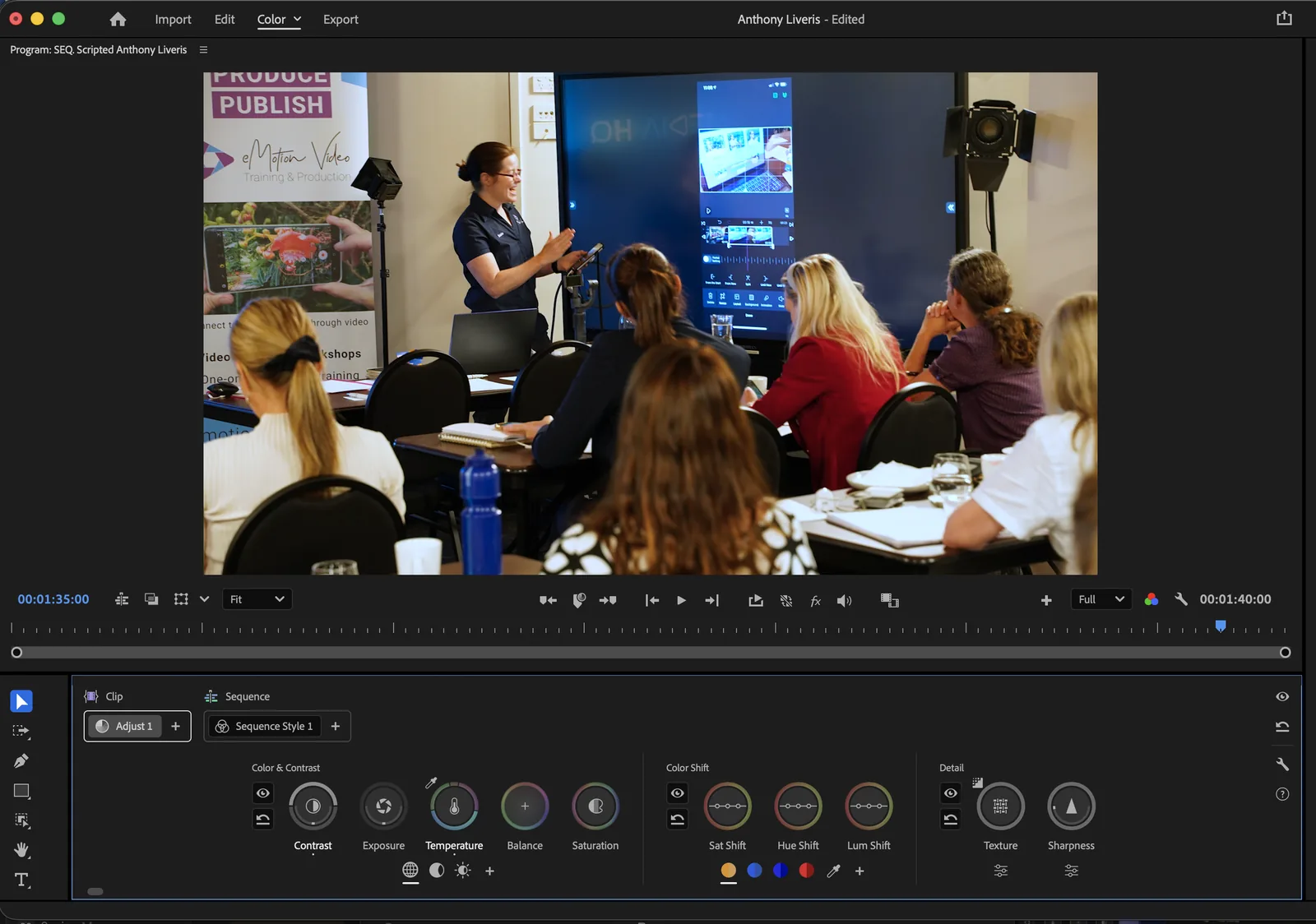
Suzie teaching in Premiere's Color Mode grading workspace

Technical support

Stuck with your editing software?

If it is an editing software problem, we have almost certainly seen it before. Fast, patient help, wherever you are.
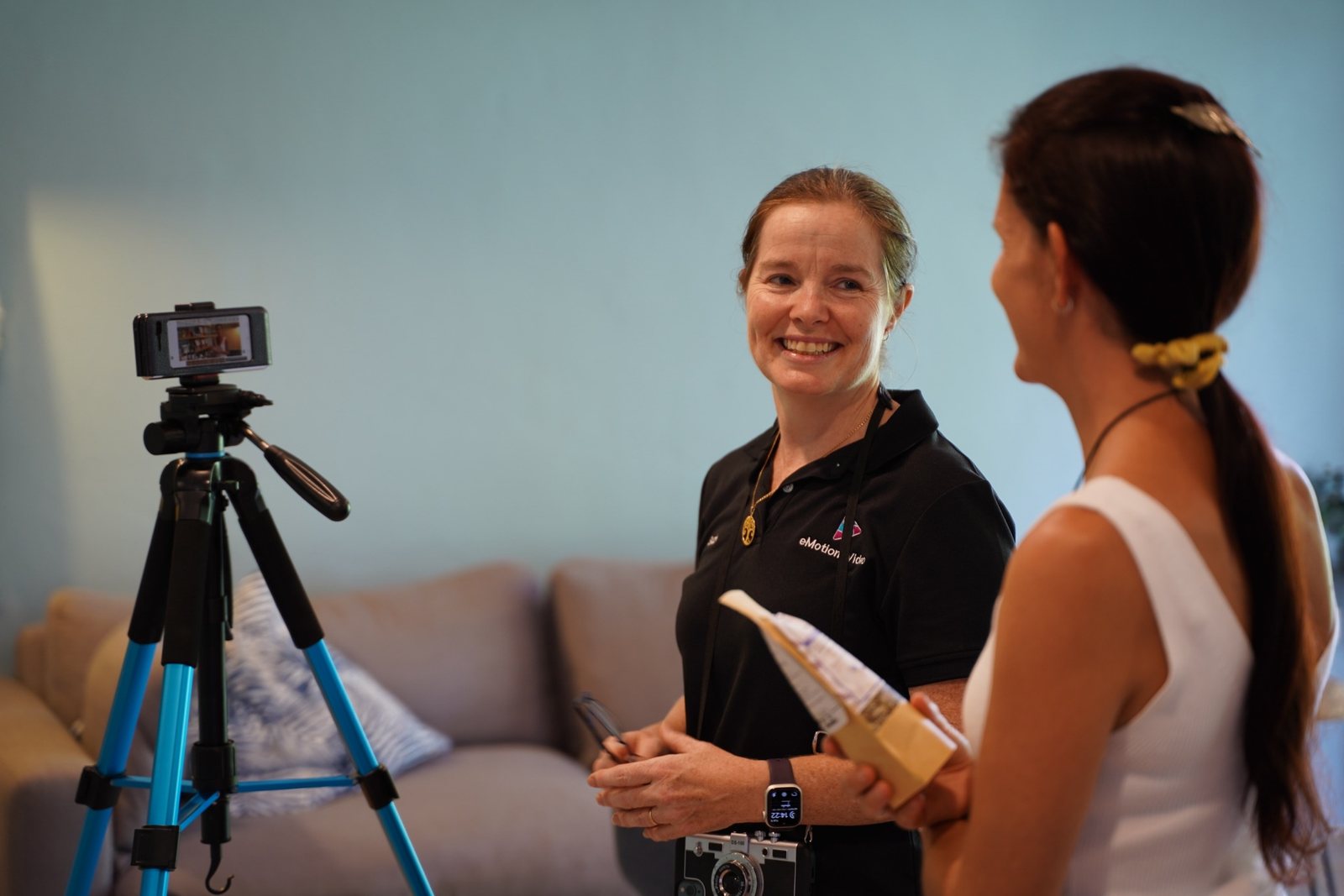
Suzie talking through a technical question with a client

If we cannot fix it, you do not pay.

Trouble with Premiere, CapCut, VN or another editing application? We offer personalised, professional and patient technical support across Australia and online, by phone or video call. Tell us what is going wrong and we will work through it with you.

Get technical help

From the edit suite

Trained editors, on the record.

Course graduate One-on-one Premiere Pro training

“I have had such a great experience with eMotion Video training. I’ve done both face to face and virtual delivery and both options have worked very well. The recent Premiere Pro editing training I did was a one on one session with Suzie which gave me the opportunity to leave the session with a polished content piece ready to share back in the workplace. No question is stupid and having the ability to follow up with Suzie post training has felt really supportive as I go on this journey of learning new skills.”

Leila Daniels
Senior Communications and Program Officer, Jobs Tasmania, Department of State Growth

Still weighing it up?

Good questions, plain answers

Tell me what you want to be able to make and I will tell you which fits. As a rule of thumb: CapCut or VN if you want to create and publish quickly on your phone for free, Premiere if you want the full professional craft, on desktop or mobile. Plenty of people do both, and there is no hard sell either way.

None at all. All three courses start from the beginning and are shaped around your skill level, so complete beginners are very welcome. If you already edit, we pitch it higher and dig into the areas you want to sharpen.

Both. We run private one-on-one sessions and group workshops, and specialist courses can be designed to meet your exact requirements, from simple social videos through to complex edits for short films and online training resources.

We come to you. Based in regional Queensland, we deliver in person across Australia and, for the right project, anywhere in the world, plus online wherever you are. Training happens where you work, on the gear your team already uses.

Both CapCut and VN are free to download and use on mobile, desktop and online, with no watermark on VN's free tier, which is a big part of why they suit teams on a tight budget. The Premiere mobile app is free to use as well, with optional AI credits for its AI features, and only the desktop version needs an Adobe subscription. In any course we work with what you already have, and set up what you need on the day.

Yes. PD day packages can be built to suit a specific team's needs, mixing editing skills with camera, story or AI training in whatever balance makes sense for your staff. Tell us your goals and we will put a day together around them.

Pricing guide

Clear formats, and a price before you commit.

The day rate is the same whether it is video, editing or AI. Pick the shape that fits your team, then we tailor the content to what you actually do. Every group format takes up to 20 people.

One on one
$250
plus GST
  • Just you, 2 hours
  • One skill, sorted
  • The easiest first step
Half day
$3,000
plus GST
  • Your team, up to 20
  • The essentials, hands on
  • From $150 a head with a full team
Best value Full day
$5,500
plus GST
  • Your team, up to 20
  • Thorough and hands on
  • From $275 a head with a full team
Two day intensive
$8,250
plus GST
  • Your team, up to 20
  • Start to finish, deep
  • From $413 a head with a full team
Mentoring

The perfect next step after a course. A course gives your team the skills. Mentoring is what makes them stick.

from $2,000 per month
plus GST

These prices are a starting point to help you plan. Group size, travel and how tailored you want it all shape the final quote. Not sure which format fits your team? Have a chat and we will build it around you.

Build your session

Ready to edit like a professional?

Tell us what you want to be able to make, and we will point you to the right course. Not sure yet? Tell us and we will help you choose.

See all three tracks Have a chat